Cleaning your cooktop surface | V-ZUG Hong Kong

Cleaning your cooktop surface

Regular care keeps your cooktop pristine and performing at its best. A few simple routines after each use prevent residue and help preserve the surface for years to come.

How to clean the glossy and matte surfaces

Clean the cooktop after every use to prevent food residue from baking onto the surface. For everyday marks, wipe with a soft cloth dampened with warm water and a small amount of washing-up liquid. Finish by drying with a clean cloth to avoid streaks.

For tough residue, use a glass-ceramic scraper or special glass ceramic cleaning sponge, ideally while the hob is still warm. Once the surface has cooled, apply the recommended cleaner, wipe with a damp cloth or kitchen paper, then wipe and dry. For matte surfaces, clean the whole cooktop evenly for a uniform finish. See the operating instructions for your model, as the recommended cleaner may vary.

How to clean the CombiCookTop extractor

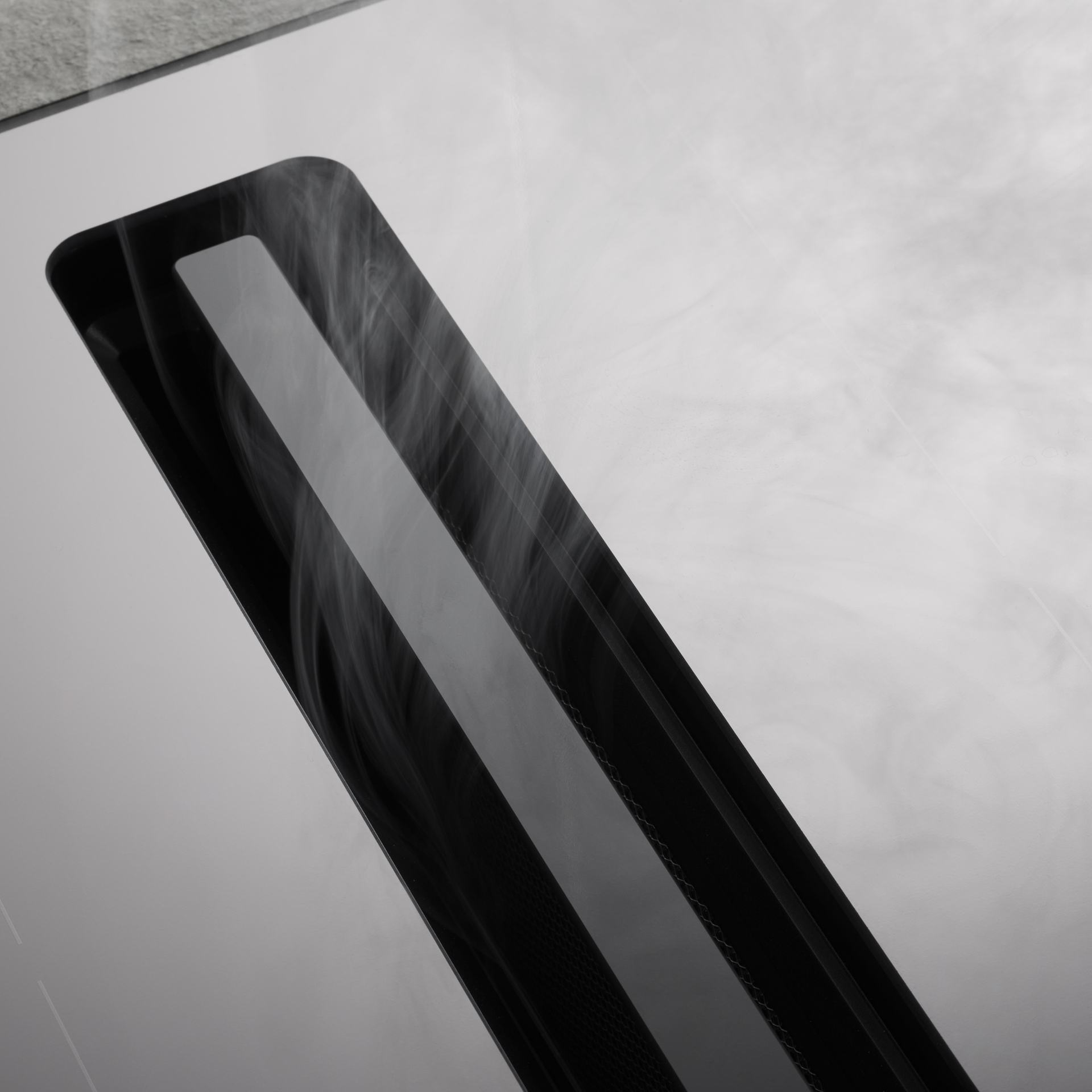
Switch off the appliance to ensure that no functions are active. Lift out the filter cassette and clean all surfaces with a soft cloth or brush, warm water and washing-up liquid. For recirculation models, remove the activated carbon filter before cleaning the interior. Dry thoroughly before reinserting. If liquid has run into the filter cassette, clean and dry immediately.

Clean the grease filter when the saturation indicator lights up. Lift out the cassette by its handle. Wash it in the dishwasher with the handle facing down (approx. 65 °C, intensive programme), or by hand in warm water (60 °C) with washing-up liquid. Dry thoroughly, reinsert and reset the indicator.

This single-use filter cannot be cleaned and should be replaced every three to six months or when the saturation indicator lights up. Replacement intervals depend on the model and usage, as specified in the operating instructions. Used filters can be disposed of with household waste.

This filter can be regenerated. Switch off the extractor to ensure no functions are active, then regenerate it in the oven at 200 °C for 60 minutes and let it cool to room temperature. A Longlife filter lasts up to three years and may be regenerated up to eight times before it needs to be replaced.

How to clean the CombiCookTop extractor

Switch off the appliance to ensure that no functions are active. Lift out the filter cassette and clean all surfaces with a soft cloth or brush, warm water and washing-up liquid. For recirculation models, remove the activated carbon filter before cleaning the interior. Dry thoroughly before reinserting. If liquid has run into the filter cassette, clean and dry immediately.

Clean the grease filter when the saturation indicator lights up. Lift out the cassette by its handle. Wash it in the dishwasher with the handle facing down (approx. 65 °C, intensive programme), or by hand in warm water (60 °C) with washing-up liquid. Dry thoroughly, reinsert and reset the indicator.

This single-use filter cannot be cleaned and should be replaced every three to six months or when the saturation indicator lights up. Replacement intervals depend on the model and usage, as specified in the operating instructions. Used filters can be disposed of with household waste.

This filter can be regenerated. Switch off the extractor to ensure no functions are active, then regenerate it in the oven at 200 °C for 60 minutes and let it cool to room temperature. A Longlife filter lasts up to three years and may be regenerated up to eight times before it needs to be replaced.

Lift cookware into position

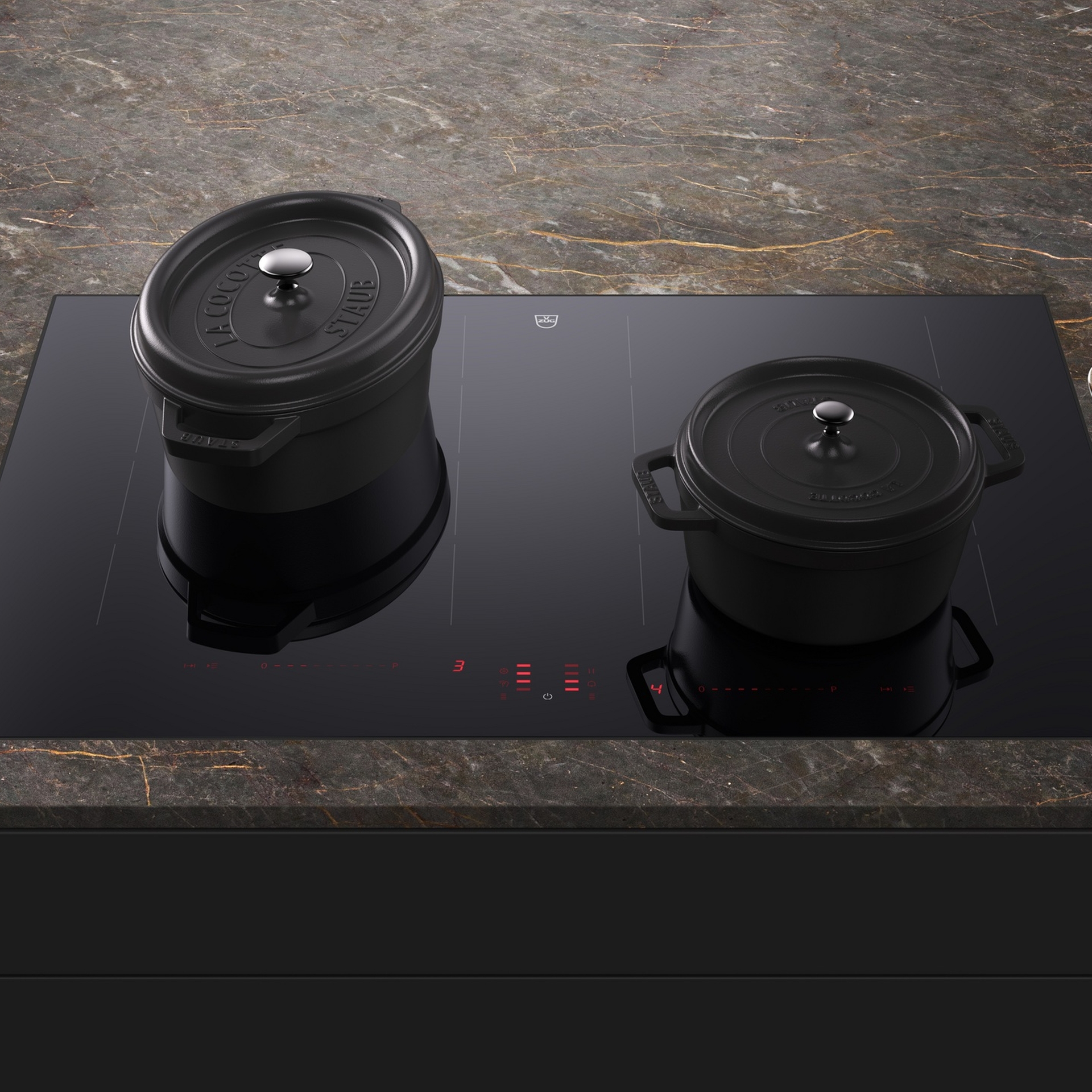
No glass-ceramic surface is entirely scratch-proof. Always ensure pot bases are flat, dry and clean before placing them on the hob, so that residue does not bake onto the glass-ceramic surface during use. To avoid scratches, lift cookware into position rather than sliding it across the hob.
Wipe dry to prevent limescale

Thoroughly dry the glass-ceramic surface after every cleaning to prevent limescale and water marks, and wipe away water droplets immediately. Existing limescale marks can be removed by applying a mild vinegar cleaner or lemon juice, then wiping with a damp cloth.

Use WipeProtection for quick display cleaning

Activate the WipeProtection function when removing splashes, grease or fingerprints. It temporarily deactivates the touch controls to prevent unintended power level changes while quickly cleaning the display during cooking.

Care and cleaning videos

Our know-how section features explanatory videos on cleaning the filters and maintaining the OptiGlass shine on your CombiCookTop V4000 to help you get the most out of your V‑ZUG experience.

Cleaning your gas cooktop

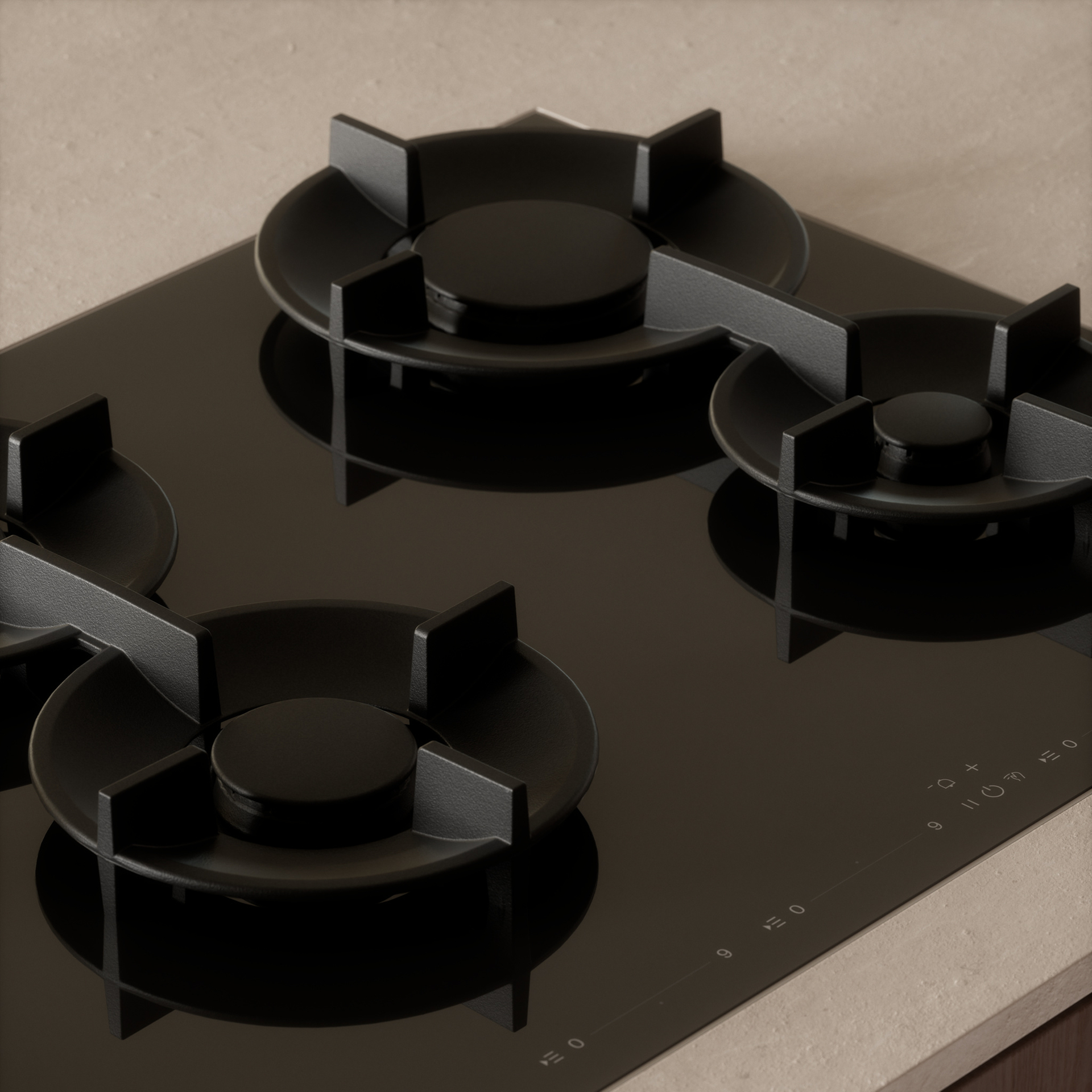
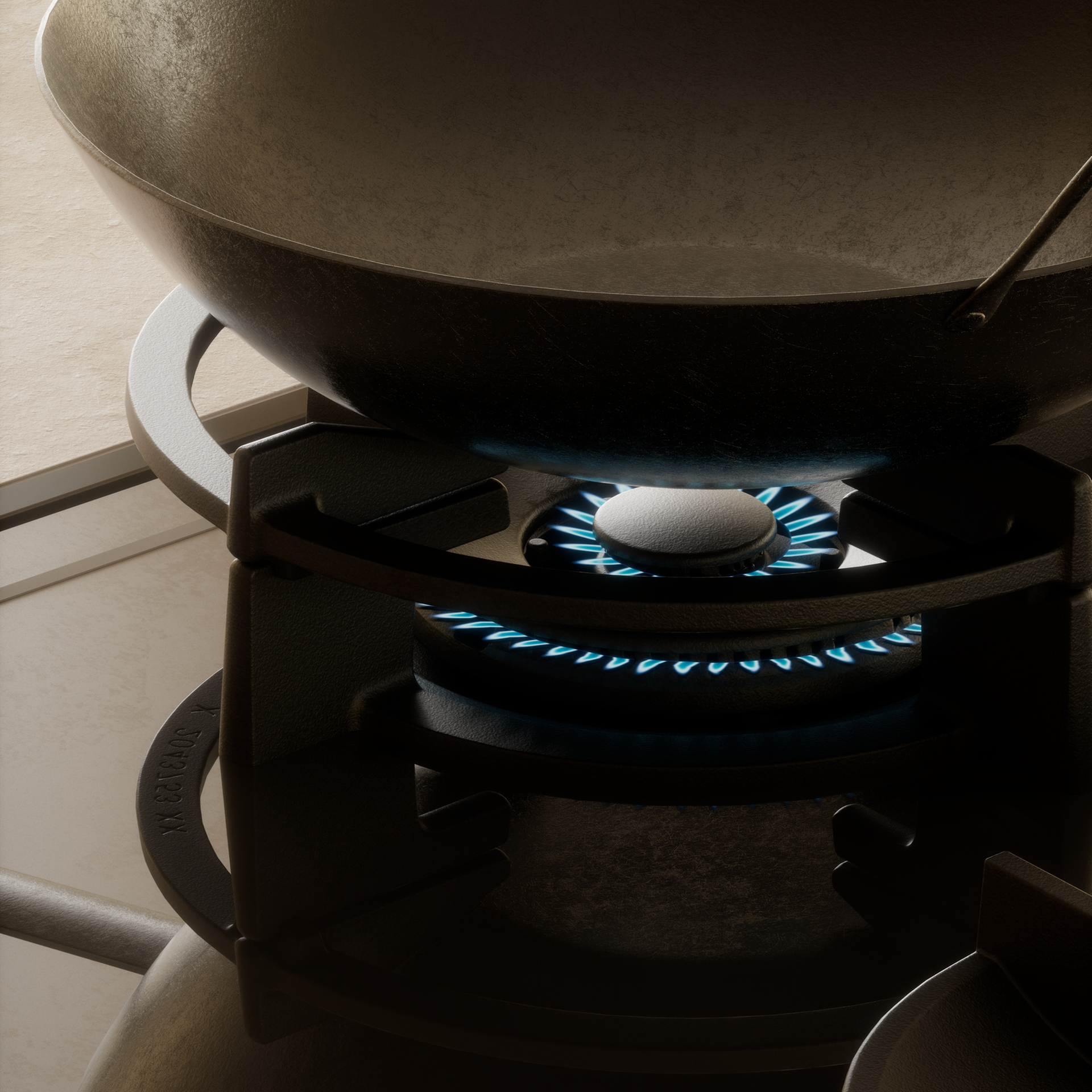
Switch off the appliance and allow it to cool. Wipe the surface with a soft cloth, warm water and mild detergent. Clean burner parts when cold, then rinse. Keep burner openings free of debris for an even flame. Pan supports can go in the dishwasher but make sure that the silicone feet stay attached.

Wipe the surface with a soft cloth, warm water and a mild detergent. For stainless steel, use a dedicated cleaner and wipe with the grain. Clean burner parts when cold, then rinse. Pan supports can go in the dishwasher. Dry burners fully, then refit the ring and cap, ensuring they sit centrally.

Cleaning your gas cooktop

Switch off the appliance and allow it to cool. Wipe the surface with a soft cloth, warm water and mild detergent. Clean burner parts when cold, then rinse. Keep burner openings free of debris for an even flame. Pan supports can go in the dishwasher but make sure that the silicone feet stay attached.

Wipe the surface with a soft cloth, warm water and a mild detergent. For stainless steel, use a dedicated cleaner and wipe with the grain. Clean burner parts when cold, then rinse. Pan supports can go in the dishwasher. Dry burners fully, then refit the ring and cap, ensuring they sit centrally.

Wipe dry to prevent limescale

Thoroughly dry the glass-ceramic surface after every cleaning to prevent limescale and water marks, and wipe away water droplets immediately. Existing limescale marks can be removed by applying a mild vinegar cleaner or lemon juice, then wiping with a damp cloth.

Use WipeProtection for quick display cleaning

Activate the WipeProtection function when removing splashes, grease or fingerprints. It temporarily deactivates the touch controls to prevent unintended power level changes while quickly cleaning the display during cooking.